
Table of contents
Want the fast version?
Open Studio, upload one design, pick one product, generate 10 outputs, then expand from there.
Standardize inputs (so batches do not break)
Your production speed is capped by how often you have to rework inputs. Standardize per product family:
- Preferred file type (PNG with transparency is usually best).
- Minimum resolution and safe margins (avoid edge-clipping in crops).
- Variant matrix (colors/materials you actually sell).
- Naming rules for design versions (v1/v2) so you know what changed.
Weekly planning: campaigns, collections, roles
Plan in batches that share a style baseline. Good planning units:
- One collection refresh (20 products, one consistent hero style).
- One campaign (seasonal drop, niche trend, influencer collab).
- One product family (tees today, hoodies tomorrow).
Decide gallery roles once (hero/lifestyle/detail) and reuse them. That is how you get consistent store-wide visuals.
Generation: sample, QC, scale
The single best production habit is sampling before scaling. In Studio:
- Generate 10 outputs as a sample.
- QC: readability, crop consistency, variant accuracy, and “does this feel like one brand?”.
- Fix setup, then scale the full queue.
- After the full run, regenerate only flagged items.
Export + naming + publishing
Publishing should be mechanical. Export ZIP bundles and name files so they map cleanly to listings:
Pattern: sku_or_handle_variant_role
Example: tee-3001_black_hero
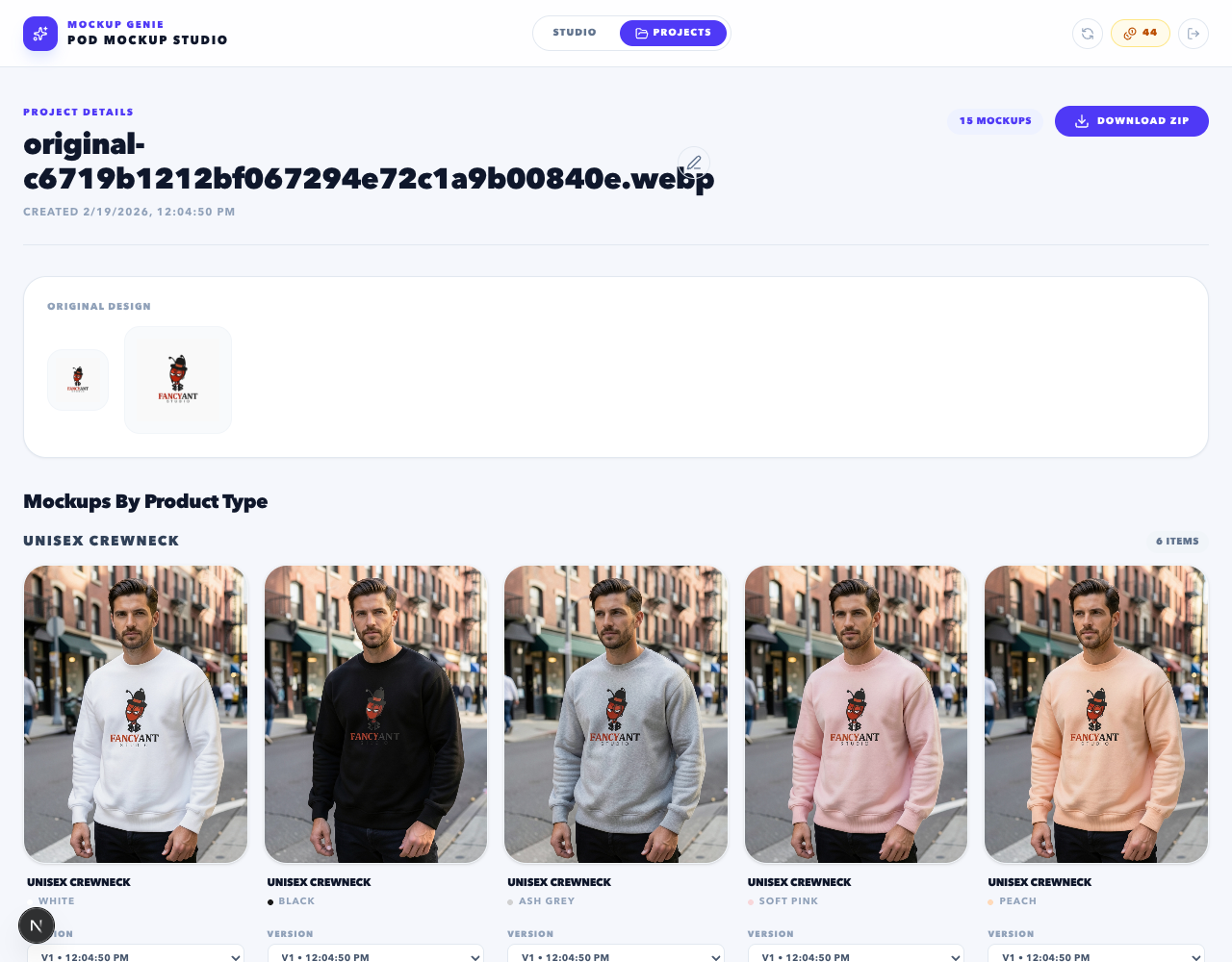
Keep your exports organized as projects in Projects.
Metrics: what to track weekly
- Listings published (count).
- Time per listing (your real throughput metric).
- Regeneration rate (how often you had to redo outputs).
- Top failure reasons (crop drift, readability, variant mismatch).
Templates you can reuse
If you want a simple starting point, use:
- A batch plan template (campaign, product family, variants, roles).
- A QC checklist (use this one).
- A deterministic naming rule.
For the core batch strategy, start with bulk POD mockup generator.
References
Platform docs and workflow references used to keep this guide grounded.