
Table of contents
Want the fast version?
Open Studio, upload one design, pick one product, generate 10 outputs, then expand from there.
What “bulk” should mean (and what it should not)
Bulk is not “generate 400 images and hope they work”. Bulk is a workflow where you can confidently press generate because:
- You have a stable style baseline (crop, lighting vibe, background).
- You generate from a real variant list (colors, sizes, SKUs you actually sell).
- You do a fast QC loop and only regenerate what is flagged.
- You export with naming that maps to listing uploads.
Batch blueprints: by family, by campaign, by role
The biggest quality killer is mixing unrelated products in one batch. Use one of these batch blueprints:
By product family
One batch for tees, one for hoodies, one for mugs. Your crop and placement stays consistent.
By campaign
Seasonal drop, trend launch, influencer collab. Everything shares the same vibe and naming.
By gallery role
Generate heroes first, then lifestyle, then details. This prevents messy galleries and missed coverage.
By top variants
Generate full coverage for best-sellers, then fill the long tail later with lighter coverage.
A QC loop that keeps costs under control
QC is what makes bulk profitable. Use a simple loop:
- Generate a small sample (10 outputs).
- Flag issues: crop drift, unreadable hero, odd placement, weak lifestyle context.
- Adjust your batch setup, then scale the full queue.
- After the full run, regenerate only flagged items.
If you want a QC checklist you can run in 2 minutes, use the Etsy listing mockup checklist (the principles apply beyond Etsy too).
Run a high-volume batch in Mockup Genie Studio
Start in Studio with one product family and one aspect ratio. Treat your first batch as a baseline you can reuse.
- Upload artwork once (prefer PNG).
- Select the product family and the exact variants you sell.
- Generate a 10-output sample and QC it.
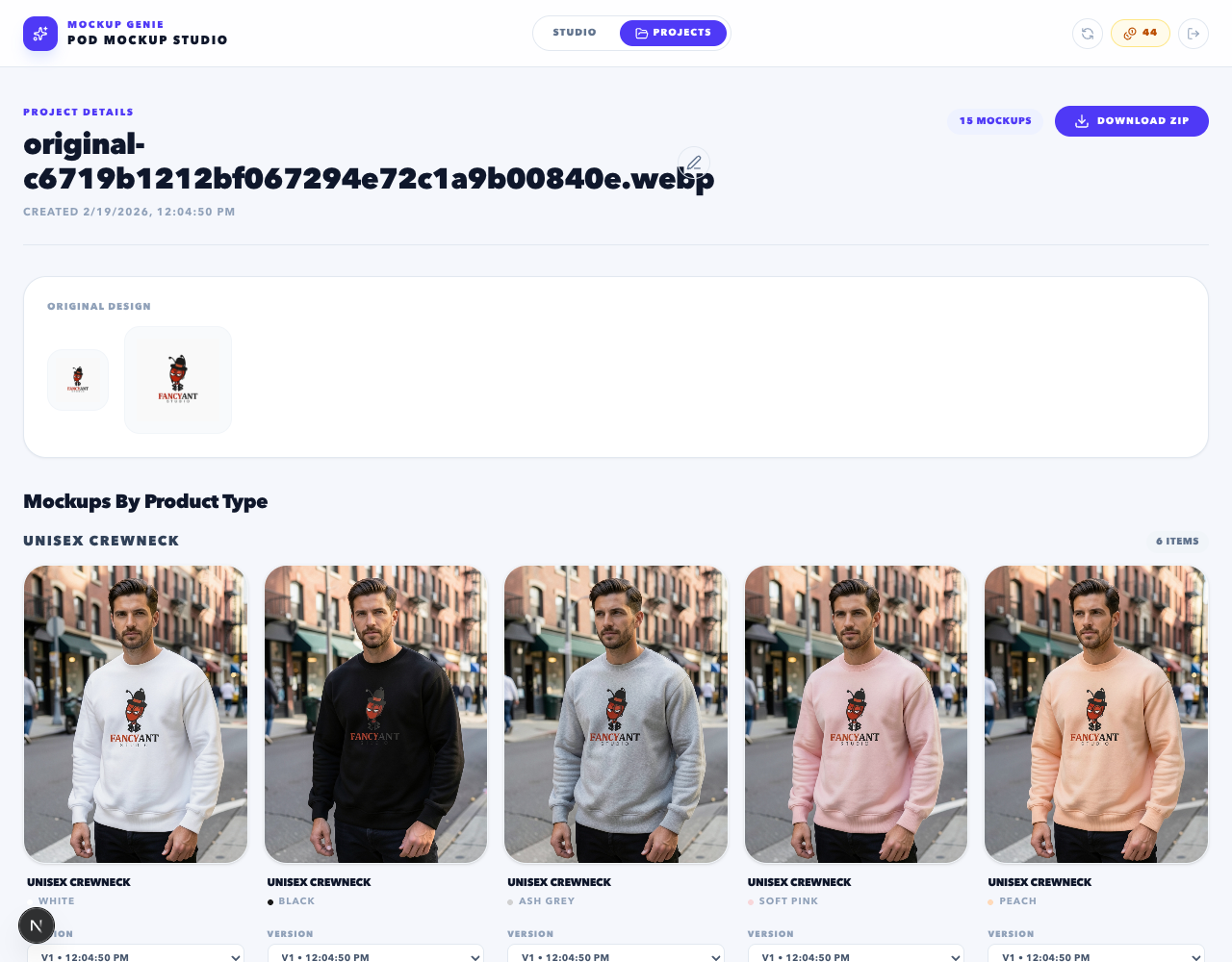
- Scale up to the full queue and save as a project.
- Export a ZIP from Projects.
Export + file naming for fast publishing
Publishing speed comes from naming, not from generating faster. Include:
- SKU or design name
- Variant (color/material)
- Gallery role (hero/lifestyle/detail)
If you are publishing to Shopify, naming like handle_variant_role keeps mapping clean.
Cadence: weekly production that compounds
Bulk workflows win when you run them consistently. If you want a weekly cadence and a system that compounds, follow this playbook:
References
Platform docs and workflow references used to keep this guide grounded.