
Table of contents
Want the fast version?
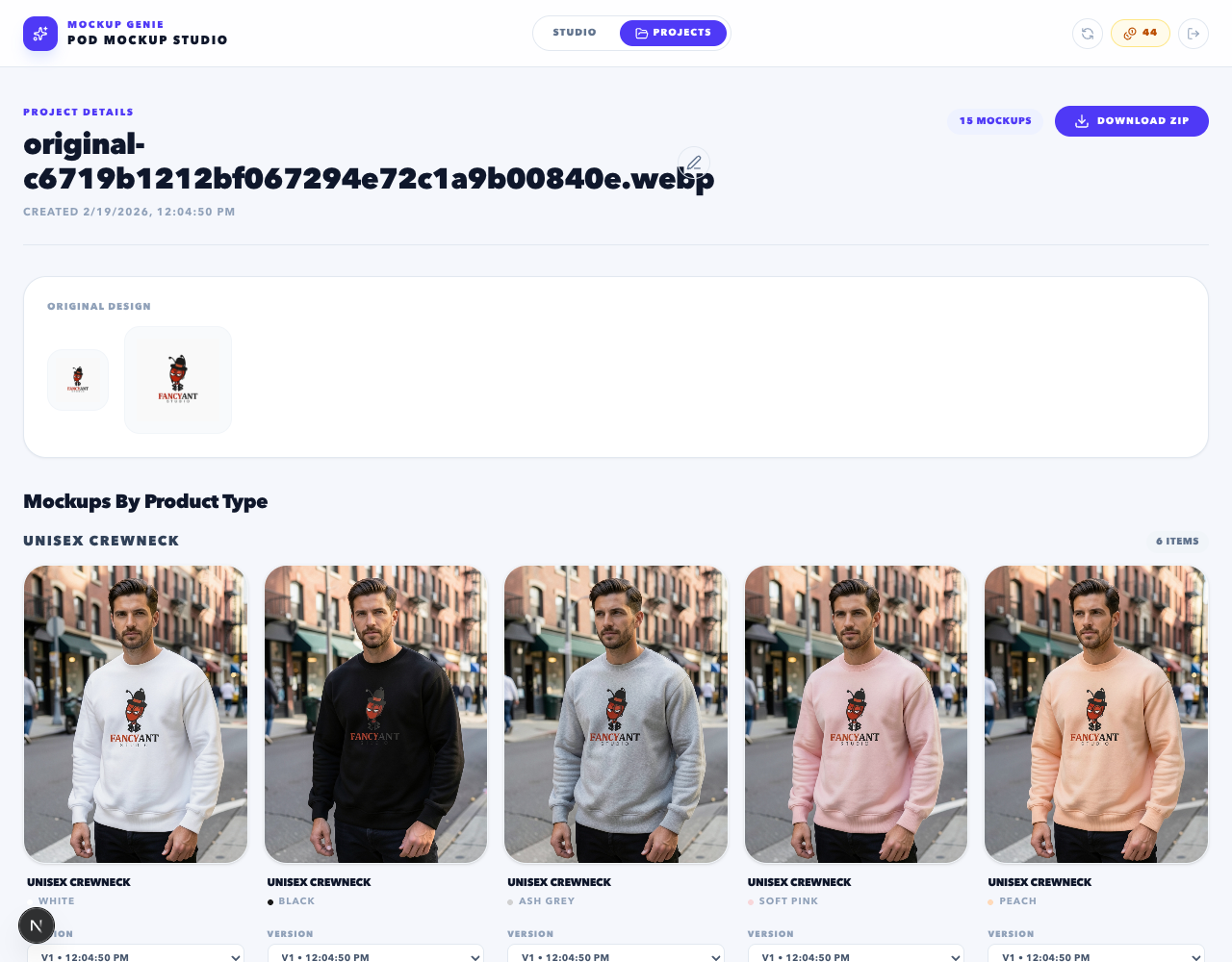
Open Studio, upload one design, pick one product, generate 10 outputs, then expand from there.
Thumbnail check (hero image)
- At small size, you can still identify the product type and the design.
- The hero is not cluttered with props that compete with the artwork.
- The hero does not rely on tiny text or fine details to sell the concept.
Crop safety and margins
- No critical text is close to the edge where marketplace crops might clip it.
- Design placement is centered and consistent across variants.
- All images share the same aspect ratio and framing rule.
Variant accuracy (colors/sizes)
- Every color shown is actually offered in the listing.
- Best-selling variants are included in the gallery, not forgotten.
- Variant imagery does not imply features you do not provide.
Consistency rules across the gallery
Etsy galleries look premium when they feel like one system. Check:
- Lighting vibe stays consistent (avoid mixing harsh studio and warm lifestyle).
- Background tone stays consistent (do not jump between wildly different scenes).
- Crop consistency: heroes do not alternate between tight and wide framing.
Detail images that build trust
- Include a close-up or texture shot (where relevant).
- Include sizing/material callouts if they reduce common questions.
- Make sure detail images are readable (not tiny or too busy).
Export + upload sanity checks
- Open a few exported files locally before uploading (spot check compression or clipping).
- Use deterministic naming so you can drag-and-drop in the right order.
- Save the batch as a project so you can regenerate only the flagged outputs later.
To produce the batch in the first place, follow the Etsy mockup generator workflow, then run this checklist as the final pass.
References
Platform docs and workflow references used to keep this guide grounded.