
Table of contents
Want the fast version?
Open Studio, upload one design, pick one product, generate 10 outputs, then expand from there.
Variant mapping: the step sellers skip
Most POD mockup pain comes from mismatched variants. Your supplier may call a color “Heather Prism Mint”, while your store uses “Mint”. If you do not map this once, you will ship the wrong visuals or lose time re-exporting.
Make a simple variant matrix
- Supplier color name
- Your storefront color name
- SKU/handle key
- Notes (ink/contrast warnings)
Once this exists, bulk generation becomes predictable and you stop fighting naming mismatches.
Gallery roles that work across Etsy + Shopify
Supplier catalogs are large. Your gallery system should be small. A good cross-channel set:
- Hero (clean, readable at thumbnail size)
- Lifestyle (context + scale)
- Detail (print close-up, sizing, material)
- Variant coverage (heroes for top colors only, not everything)
Batch generation in Mockup Genie Studio
Open Studio and batch by product family. Run a small sample first, then scale.
- Upload artwork once.
- Select a single product family (example: tees) and your mapped variants.
- Generate 10 outputs, QC framing and readability.
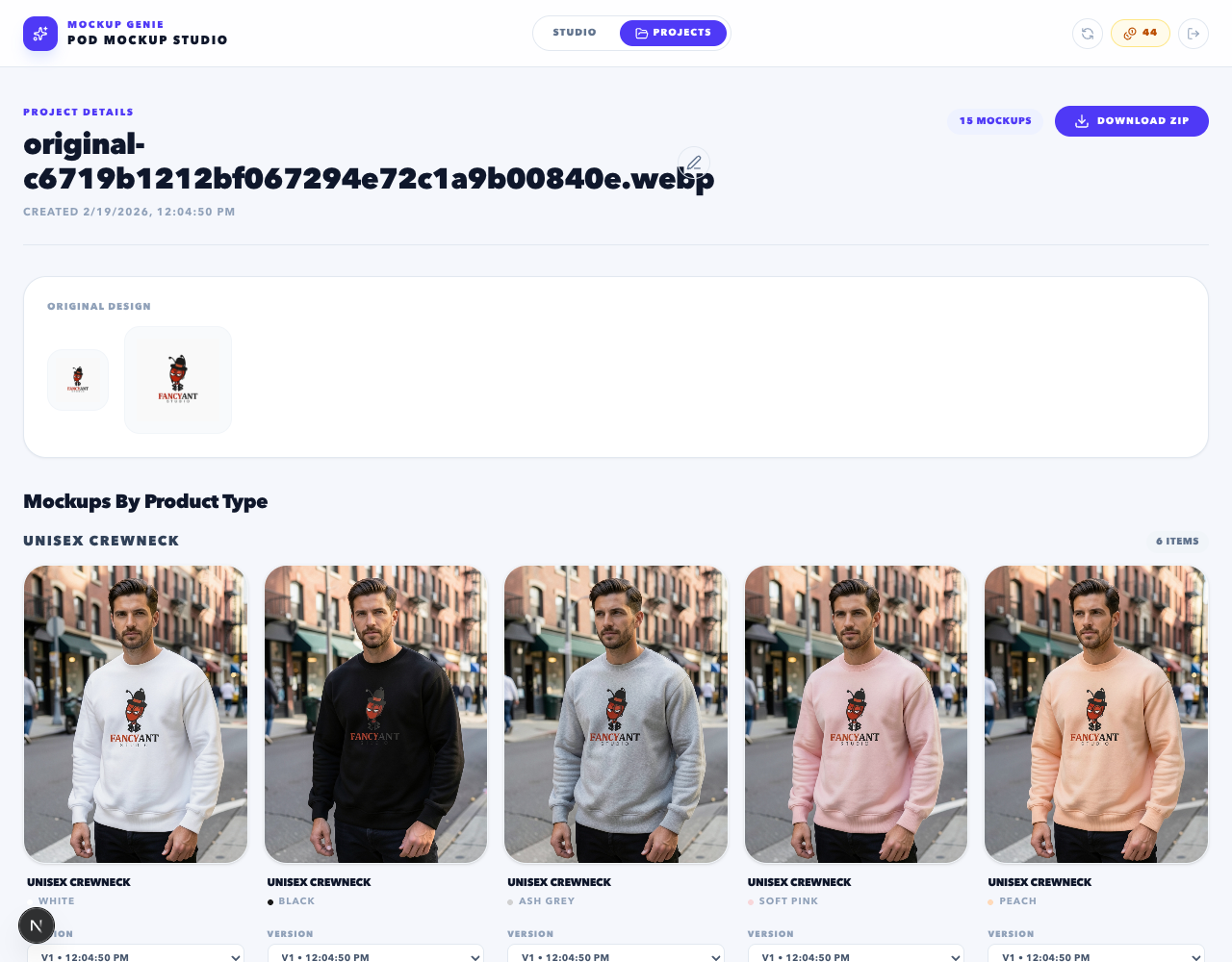
- Scale the full queue and save as a project.
- Export a ZIP and publish.
Naming: print provider + SKU + role
When you work with suppliers, naming needs to be deterministic. Use a format like:
Pattern: provider_sku_variant_role
Example: printify_tee-3001_black_hero
This makes it obvious which assets belong to which provider template and store variant.
Cadence: seasonal drops without chaos
If you publish seasonal drops, do not rebuild the process each time. Reuse the same gallery roles and naming, then swap the artwork and variant matrix.
If your main channel is Shopify, start with Shopify product mockup generator. If it is Etsy, start with Etsy mockup generator.
References
Platform docs and workflow references used to keep this guide grounded.